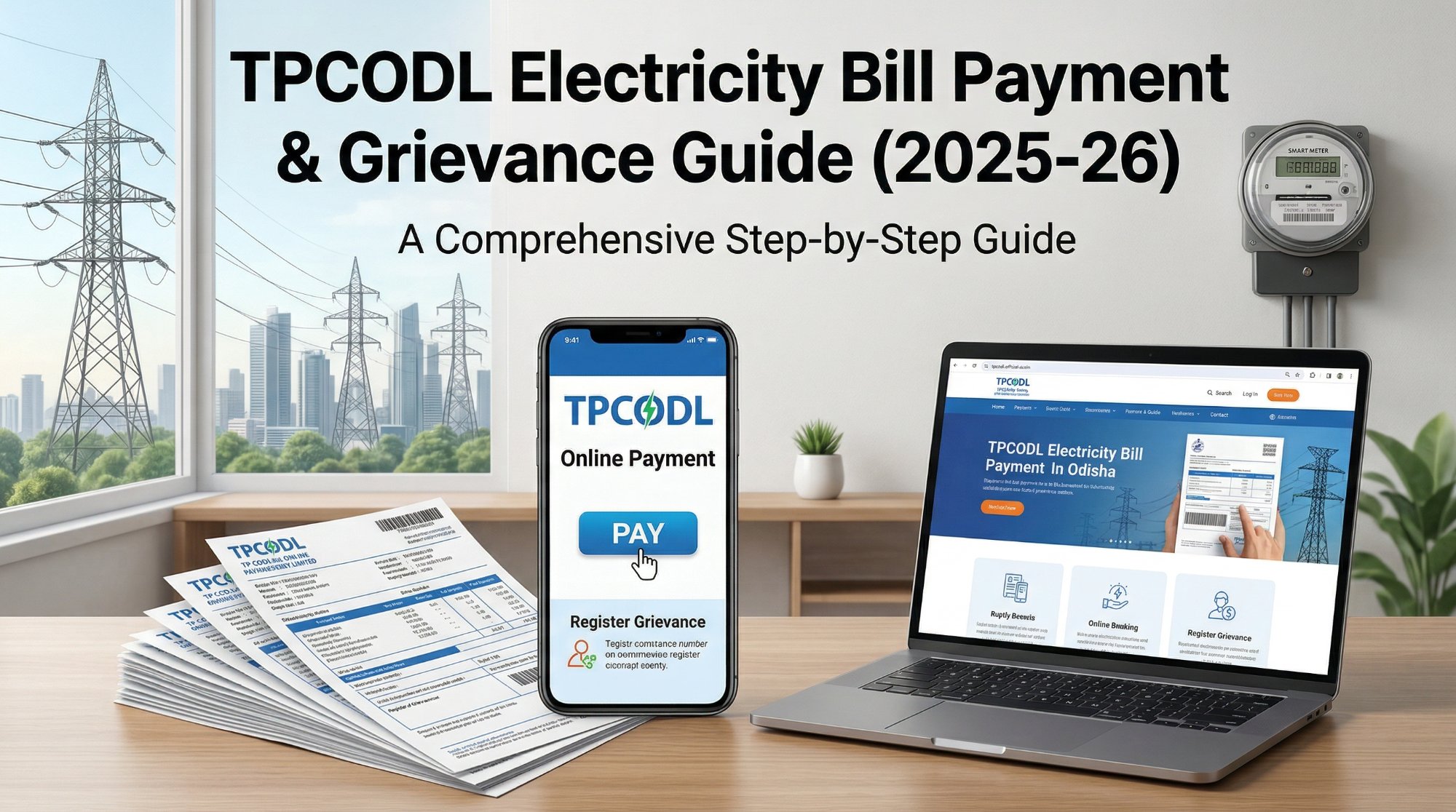
- What Is TPCODL? — Quick Context
- All TPCODL Contact Numbers — Verified
- IVR Menu — What to Press on 1912
- How to Pay Your TPCODL Bill Online (4 Methods)
- Got a Wrong Bill? Step-by-Step Fix
- Full Escalation Ladder at a Glance
- CGRF Office Addresses — All Circles
- TPCODL Mitra App — Features That Actually Help
- Things Nobody Tells You
- Before You Call 1912 — Checklist
- Important Deadlines to Remember
"The single most important thing you can do right now: find your TPCODL Consumer Number. It's on your bill. Without it, no complaint, no payment dispute, no correction request moves forward."
📌 What Is TPCODL? (Quick Context)
TPCODL — TP Central Odisha Distribution Limited — is a joint venture between Tata Power and the Odisha government. It is responsible for power distribution across 9 districts of Central Odisha, serving a population of 1.36 crore with over 30 lakh consumers across a network exceeding 29,000 sq km.
If you live anywhere in Bhubaneswar — whether in Patia, Chandrasekharpur, Nayapalli, Rasulgarh, Old Town, Sahid Nagar, VSS Nagar, or Niladri Vihar — your electricity comes from TPCODL. Same for Cuttack (including Badambadi, Buxi Bazar, and Mangalabag), Puri, Khurda, Dhenkanal, Nayagarh, Angul, Kendrapara, and Jagatsinghpur.
☎️ All TPCODL Contact Numbers — Verified
| Purpose | Number / Contact |
|---|---|
| Main Helpline (Toll-Free, 24×7) | 1912 |
| Alternate Toll-Free (24×7) | 1800 345 7122 |
| Direct Office Line (Unit-8 HQ) | 0674-2541575 |
| WhatsApp — Electricity Theft Reports | +91 94371 58670 |
| WhatsApp — Billing Queries | +91 99378 75999 |
| Customer Support Email | customercare@tpcentralodisha.com |
| General Queries Email | tpcodl@tpcentralodisha.com |
| Grievance Officer Email | grievance@tpcentralodisha.com |
📞 IVR Menu — What to Press When You Call 1912
When you call 1912 or 1800 345 7122, the automated menu works like this. Save this — it saves time every single time.
- 1 No power supply and voltage issues
- 2 Safety, fire, and emergency
- 3 Meter reading, billing, and payment queries
- 4 Know your notification status
- 5 New connection application
- 6 Name, category, and load change request
- 7 Electricity theft, harassment, and ethics
- 8 Know your consumer benefit scheme
- 9 Speak directly to a customer care agent
💻 How to Pay Your TPCODL Bill Online
There are four ways to pay. All of them work. Use whichever takes you the least time.
- Go to www.tpcentralodisha.com
- Click "Bill Payment" on the homepage
- Enter your Consumer Number
- Your bill amount appears — pay via UPI, Debit/Credit Card, or Net Banking
- Save the transaction reference number
- Download "TPCODL Mitra" from Google Play Store (Android)
- Register with your Consumer Number
- Pay bill, view history, register complaints — all in one place
- Also shows power outages in your area in real time
- Open PhonePe / GPay / Paytm
- Go to Electricity → Select "TPCODL" or "TP Central Odisha"
- Enter your Consumer Number
- Pay — transaction usually confirms within 2 minutes
- Visit any TPCODL subdivision office or authorised collection counter
- Pay by cash or cheque
- Ask for a printed receipt — never leave without it
- Keep the receipt until it reflects in your online account
Step-by-step walkthrough of TPCODL online payment, app usage, and how to raise a billing complaint — with screenshots of the official portal.
❌ Got a Wrong Bill? Here's How to Fix It — Step by Step
This is the section most guides skip. Billing errors happen — estimated readings instead of actual, sudden spikes, wrong consumer category assignments. Here is the exact process that works.
If your bill looks wrong — sudden spike, estimated reading, or wrong consumer category — do not pay it silently. Paying without disputing creates a precedent that the amount was correct. At the same time, if there's a small undisputed component, pay that portion to avoid disconnection while your dispute is being processed.
Also: photograph your meter display right now. A date-stamped photo is your strongest evidence.
Call the TPCODL helpline at 1912 or 1800 345 7122. Press 3 for billing queries. Have your Consumer Number, the disputed bill, and your actual meter reading ready.
Tell them: your Consumer Number, billing period in question, your actual meter reading, and the difference between what you used and what you were billed. Ask for a complaint ticket/reference number before ending the call — insist on one.
⏱ Get ticket number within this callSend an email to customercare@tpcentralodisha.com with the subject line:
Billing Error Complaint – Consumer No. [XXXXXXXX] – [Your Name] – [Area, Bhubaneswar/Cuttack]
Attach: photo of your meter, copy of disputed bill, and previous 2–3 bills showing your normal usage pattern. Reference your phone complaint ticket number.
If phone and email haven't resolved the issue within 5–7 days, walk into your local Sub-Divisional Officer (SDO) office with a printed complaint letter.
Bhubaneswar Circle-I HQ: Power House Colony, Unit-8, Bhubaneswar – 751012 | ☎ 0674-2562272
Bhubaneswar Circle-II: TL.C.C Colony, Khurda – 752055 | ☎ 06755-221529
If your Level 1 complaints have not been resolved, escalate to the IGRC of TPCODL. Email grievance@tpcentralodisha.com. Include: your complaint ticket number from Step 2, date of original complaint, the unresolved issue, and the specific resolution you are requesting.
⏱ Escalate if no resolution within 15 working days of Level 1If 15 working days pass after your IGRC complaint with no satisfactory resolution, approach the Consumer Grievance Redressal Forum (CGRF). The grievance must be submitted within 30 days of the resolution period expiring or receiving the final response from TPCODL.
Attach copies of all previous complaints and any replies received from SDO/EE or other officers. See the CGRF address table below for your circle.
⏱ File within 30 days of TPCODL's final responseIf the CGRF order is unsatisfactory, appeal to the Electricity Ombudsman within 30 days of receiving the CGRF's final decision.
Office: Qrs. No. 3R-2(S), GRIDCO Colony, P.O. Bhoinagar, Bhubaneswar – 751022
This is the last step before a formal consumer court case. In practice, most billing error cases are resolved at CGRF level or earlier.
⏱ Appeal within 30 days of CGRF's decision🔢 Escalation Ladder — At a Glance
🏢 CGRF Office Addresses — All Circles
| Circle | Address | Phone |
|---|---|---|
| Bhubaneswar Circle-I | Qr. No. VR-1, Power House Colony, Unit-8, Bhubaneswar – 751012 | 0674-2562272 |
| Cuttack Circle | 3R-1, CESCO Colony, Badambadi, Arundeo Nagar, Cuttack – 753012 | 0671-2950685 |
| Khurda / Bhubaneswar-II | Quarter No 3R/1, TL.C.C Colony, Khurda – 752055 | 06755-221529 |
| Dhenkanal Circle | Kathagada Sahi, Near NH 55 Bypass Square, Dhenkanal – 759001 | 06762-227527 |
| Paradeep Circle | At Pitambarpur, PO Bhutamundai, Via Kujanga, Jagatsinghpur – 754141 | 06722-211366 |
📱 TPCODL Mitra App — Features That Actually Help
The TPCODL Mitra app is genuinely useful — not just another government app that doesn't work. Here's what it actually does well:
What the TPCODL Mitra App Can Do
- Check power outages in your area in real time — before you call 1912 to report no power, check if there's an already-logged outage nearby.
- Register billing complaints, meter issues, and power cut reports — faster than calling during peak hours.
- View bill and payment history for the last 6 months — download past bills without visiting any office.
- Report electricity theft — goes directly to the vigilance team.
- Verify TPCODL employee identity — if someone comes to your home in Rasulgarh or Old Town claiming to be a meter inspector, open the app and verify their ID before letting them in. This feature is underused but important.
- Apply for a new connection and track its status.
- View tariff documents and applicable rates for your consumer category.
💡 Things Nobody Tells You About TPCODL Bills
1. Your Bill May Have an "Estimated" Reading — And It Usually Inflates Costs
If the meter reader couldn't access your premises (locked house, dog, closed gate), TPCODL generates an estimated bill based on previous average consumption. This estimate is often higher than actual usage. Check if your bill says "Estimated" in the reading type column. If it does, submit your actual meter reading immediately via the TPCODL Mitra app or call 1912 (Press 3) with a meter photo.
2. Delayed Bills Are Not Free Bills
If your bill didn't arrive for two months and suddenly a large combined bill lands — near Kalpana Square or Jayadev Vihar — that's not a mistake. TPCODL accumulates missed months. You have to pay, but you can request a month-by-month breakdown and verify the meter readings for each billing period before paying.
3. Your Consumer Number ≠ Your Meter Number
These are different. Your Consumer Number is on your bill — usually 10–12 digits. Your Meter Number is physically on the meter box outside. For payment, you need the Consumer Number. For meter replacement or testing requests, you need both. Save both in your phone today.
4. "Pending" on UPI ≠ Failed Payment
PhonePe and GPay sometimes show "Pending" for TPCODL transactions for up to 24 hours. Do not pay again immediately. Wait a full day and check your TPCODL account. Duplicate payments do get refunded, but the process takes 7–10 working days and requires calling 1912 with both transaction IDs.
5. Electricity Theft Has a Dedicated WhatsApp — Use It
If you notice illegal tapping in your building compound in areas like Nayabazar, Mancheswar Industrial Area, or Khandagiri — report it on the dedicated vigilance WhatsApp at +91 94371 58670, not the general helpline. This goes directly to the TPCODL vigilance team, not the general queue.
✅ Before You Call 1912 — Quick Checklist
-
Have your Consumer Number ready It's printed on your bill, usually in the top-right section. Without this, no call moves forward.
-
Note the billing period in dispute Know the exact month and year you're disputing before you dial.
-
Photograph your meter display right now A date-stamped photo is your strongest evidence. Take it before you call, not after.
-
Have your last 2–3 bills for comparison Download from tpcentralodisha.com if you don't have paper copies. Shows your normal usage pattern.
-
Write down the complaint ticket number — insist on one Do not end the call without a ticket/reference number. You'll need it for every escalation step.
-
For in-person visits, carry a printed complaint letter Officers process written requests faster than verbal ones. Include your Consumer Number, issue description, and the resolution you want.
🗓️ Important Deadlines to Remember
| Action | Deadline |
|---|---|
| File complaint after receiving wrong bill | As soon as possible — no formal deadline, but earlier is always better |
| Escalate to CGRF after Level 1 fails | Within 30 days of TPCODL's final response or expiry of 15-day resolution window |
| Appeal to Ombudsman after CGRF order | Within 30 days of receiving the CGRF's final decision |
| Late payment surcharge kicks in | After the due date printed on your bill — typically 15–20 days from bill date |
🎯 The Bottom Line
For routine bill payments, the TPCODL Mitra app or the official website is the fastest route — skip the queue, skip the counter. For billing errors, don't delay and don't just pay — photograph your meter, call 1912 with your Consumer Number, get a ticket number, and follow the escalation ladder if needed. The CGRF in Bhubaneswar (Unit-8, Power House Colony) and Cuttack (Badambadi, Arundeo Nagar) are real forums with real resolution power — most billing disputes that reach CGRF get resolved within 45 days.
All contact numbers, office addresses, and escalation procedures verified against TPCODL's official website (tpcentralodisha.com) and cross-referenced with Complaint Hub and India Customer Care. WhatsApp numbers sourced from official TPCODL helpline listings. Procedures current as of August 6, 2026. Always confirm with TPCODL directly if details have changed.